Development Guide
Environment Setup
The easiest way to contribute to drassi is by using Docker.
Requirements
- A Git hosting system such as Gitea or GitLab.
Setting Up Gitea Locally
Start a local Gitea instance using Docker Compose:
docker compose up -d giteaWhat it does is it will spin up a Gitea instance using SQlite (for simplicity) and configure it with the following credentials:
- Username:
admin - Password:
password
Once Gitea is running, access the web interface at http://localhost:3000 using:
- Username:
admin - Password:
password
Create a new repository to use for testing.
Setting Up the Development Container
Start a drassi testing container with:
make dev-containerThe dev-container target runs the following command:
dev-container: docker run --pull=always --privileged --rm -it \ -v "${PWD}:${PWD}" \ -w "${PWD}" \ --network host \ ghcr.io/drassi-run/ubuntu:22.04Registering the Gitea Runner
- Navigate to the Gitea repository and register a new runner.
- Copy the registration token.
Building and Running Gitea Runner
Build the runner:
go build -o bin/gitea-runner ./runner-giteaRegister the runner:
./bin/gitea-runner registerStart the runner:
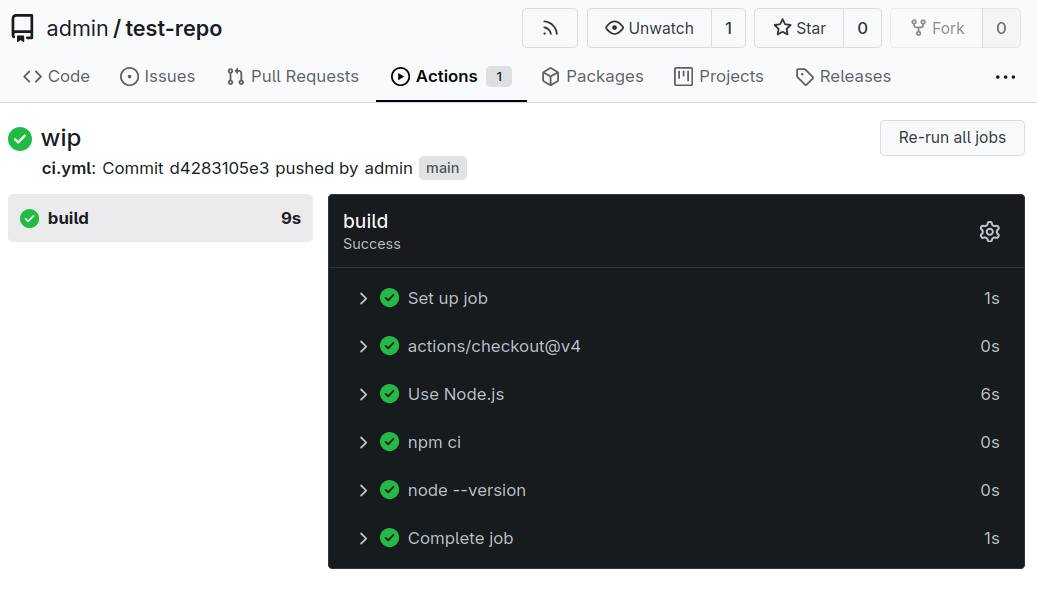
./bin/gitea-runner launch --config-dir /tmp/runner-config --name drassiGo ahead make some changes to the repo and you should see the runner pickup jobs now.